
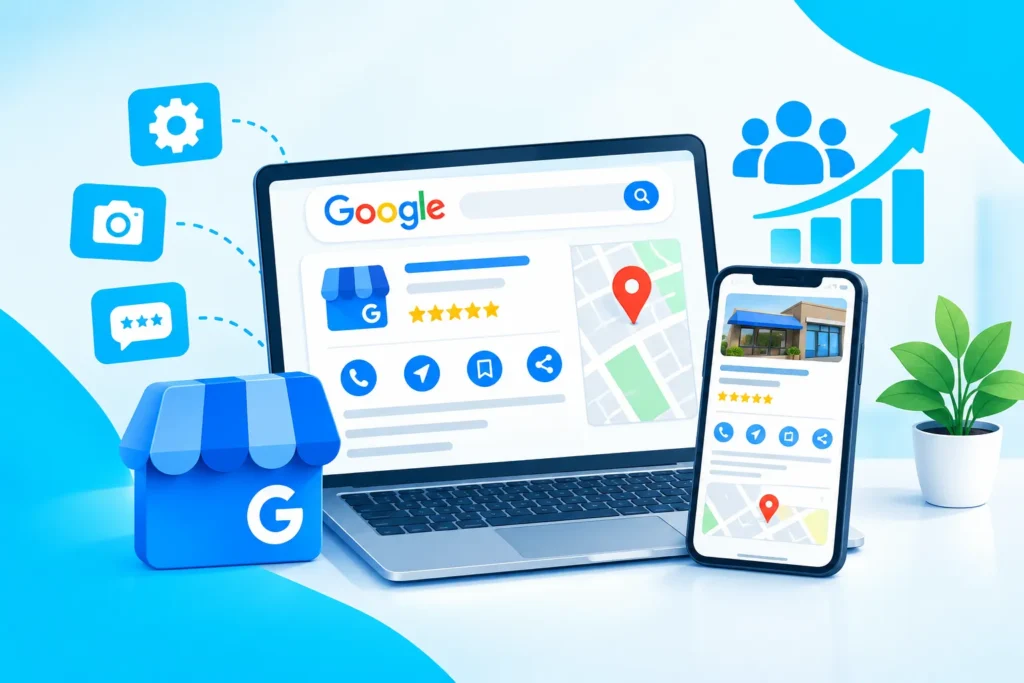
When people need a local product or service, Google is often one of the first places they search. They may search for terms such as “digital marketing agency near me,” “SEO company in Dhaka,” “best restaurant near me,” or “dentist in Bangladesh.” Your Google Business Profile (GBP) can help your business appear in Google Search and Google Maps when potential customers are looking for what you offer. However, simply creating a Google Business Profile is not enough. An incomplete profile, inaccurate information, poor-quality photos, or unanswered reviews can make it harder for potential customers to trust your business.
The good news is that you can improve your profile by providing accurate business information, choosing the right category, adding useful services, publishing relevant content, collecting genuine reviews, and maintaining your profile regularly. In this guide, we will explain how to optimize your Google Business Profile for more leads and how local businesses can turn Google searches into real customer inquiries.
What is a Google Business Profile?
A Google Business Profile is a free business listing that helps eligible businesses manage how they appear on Google Search and Google Maps. Depending on the business and category, customers may see important information such as your:
- Business name
- Address or service area
- Phone number
- Website
- Opening hours
- Services
- Photos and videos
- Customer reviews
- Business updates
- Location on Google Maps
Google describes Business Profiles as a local storefront on Search and Maps. They can help customers discover businesses, view important information, interact with businesses, and take actions such as visiting a website or contacting the business. For a local business, this makes GBP an important part of a broader local SEO strategy.
1. Claim and Verify Your Business Profile
The first step is to claim your Business Profile and complete Google’s verification process. Only eligible businesses should create or claim a profile. Google generally requires businesses to have in-person contact with customers during their stated business hours, subject to specific eligibility exceptions. After verification, you can manage your business information and respond to customer reviews. If someone else has created a profile for your business, you should also make sure that the business owner maintains appropriate ownership and access. Never give control of your Business Profile to an SEO provider without understanding who owns the profile and what access they have.
2. Use Your Real Business Information
Accuracy is one of the most important parts of GBP optimization. Your business name, phone number, website, address, service area, and opening hours should accurately represent your business. Do not add extra keywords to your business name simply because you want to rank for them. For example, if your actual business name is “ABC Dental Clinic,” changing it to “ABC Dental Clinic – Best Dentist in Dhaka” just for SEO can create policy problems. Your profile should represent the real-world business clearly and honestly. This is particularly important for businesses in healthcare, finance, legal services, and other YMYL industries where customers may make important decisions based on the information they find online.
3. Choose the Most Relevant Primary Category
Your primary business category helps Google understand what your business does. Choose the category that most accurately represents your main business.
For example:
- A restaurant should choose the most appropriate restaurant category.
- A dental clinic should use a relevant dental category.
- A marketing agency should select an appropriate marketing-related category.
Avoid choosing categories simply because you think they have higher search volume. Your goal is to accurately communicate your business to both Google and potential customers. You can also add relevant secondary categories when they genuinely represent additional services your business provides.
4. Complete Your Services Section
If your Business Profile supports services, add the services you actually provide. Google allows eligible service businesses to showcase offerings directly on their Business Profile. Customers searching for a particular offering may see relevant services on the profile. For example, a digital marketing company could list services such as:
- Search Engine Optimization
- Local SEO
- Google Business Profile Optimization
- Social Media Marketing
- Web Design
- Website Development
- Content Marketing
Use clear service names and accurate descriptions. Do not stuff unrelated keywords into service names or descriptions. Every item should represent a genuine service offered by your business.
5. Write a Clear and Helpful Business Description
Your business description should explain:
- What your business does
- Who you serve
- Your main services
- Your location or service area
- What makes your business useful to customers
Keep it natural and easy to understand. Avoid writing a paragraph that is simply a list of keywords. For example, instead of repeatedly using phrases such as “best SEO company in Dhaka, best SEO company Bangladesh, SEO expert Dhaka,” explain your services naturally and focus on what customers can expect. Google’s guidelines emphasize truthful and realistic business information rather than misleading claims.
6. Add High-Quality Business Photos and Videos
Visual content can make your profile more useful and trustworthy. Depending on your business, consider adding:
- Exterior photos
- Interior photos
- Team photos
- Product photos
- Service-related photos
- Work samples
- Short videos
- Before-and-after examples where appropriate
Make sure the images genuinely represent your business. For professional service businesses, showing your team, workplace, projects, or service process can help potential customers understand who they may be working with. Avoid using misleading stock photos when authentic business images are available.
7. Get Genuine Google Reviews
Reviews are one of the most important trust elements on a Business Profile. Customers can use reviews to understand other people’s experiences with your business. Google also allows businesses to create a review link or QR code that can be shared with customers. The best approach is simple: provide a good customer experience and make it easy for genuine customers to leave honest feedback. You can share your review link through:
- Receipts
- Customer follow-up messages
- Thank-you messages
- QR codes at your business location
Never buy fake reviews or offer discounts or gifts in exchange for positive reviews. Google considers incentivized reviews and other forms of fake engagement prohibited.
8. Respond to Every Review Professionally
Don’t treat reviews as something you collect and forget. Respond to positive reviews with a genuine thank-you. When you receive negative feedback, remain professional and try to understand the customer’s concern. A thoughtful response can demonstrate that your business cares about customer experience. You should not argue with customers publicly or reveal private customer information in your responses. If a review clearly violates Google’s content policies, you can report it. However, you should not report a legitimate negative review simply because you dislike it.
9. Add Your Website and Relevant Business Links
Your website is an important part of your local search presence. Make sure the website listed on your Business Profile is your legitimate business website and matches the business represented by the profile. Your website should provide consistent information about:
- Business name
- Services
- Contact details
- Location
- Service areas
- Opening hours
- Business expertise
A properly optimized website can support your local SEO efforts and help turn profile visitors into leads. If your current website is outdated, slow, difficult to navigate, or not mobile-friendly, consider investing in professional Web Design & Development so your website provides a better experience for visitors.
10. Keep Your Profile Updated
Local SEO is not a one-time task. Business information can change over time. You may change your hours, add services, move locations, launch new products, or update your website. Review your profile regularly and update important information when necessary. You can also publish appropriate updates, photos, and other useful information to keep your profile active and helpful. The objective should not be to publish content simply for the sake of activity. Every update should provide some value to potential customers.
11. Connect GBP With Your Overall SEO Strategy
Google Business Profile optimization works best when it is part of a wider local SEO strategy. Your website, GBP, customer reviews, local citations, content, backlinks, and overall online presence should communicate consistent and trustworthy information. This is where professional SEO services can help. A broader SEO strategy may include keyword research, technical SEO, on-page optimization, content optimization, local SEO, and authority-building activities. The goal is not simply to make your Google Business Profile look better. The goal is to create a stronger online presence that helps potential customers discover, trust, and contact your business.
12. Use Social Media to Support Local Visibility
Social media and local SEO can work together. You can use social platforms to share useful content, showcase your work, answer customer questions, promote services, and build brand awareness. For example, a local business can share:
- New products
- Customer stories
- Educational content
- Team activities
- Service updates
- Special announcements
- Helpful industry tips
For businesses that want to strengthen their wider online presence, Taqi IT also provides Social Media Marketing services. Social media does not replace local SEO, but it can support brand awareness and help potential customers become more familiar with your business.
How to Measure Google Business Profile Lead Generation
Optimization is more effective when you measure the results. Google provides Business Profile performance information for verified profiles. Depending on the available reporting, businesses can see how people discover their profile and what actions they take on Search and Maps.
Track metrics such as:
- Profile views
- Website clicks
- Phone calls
- Direction requests
- Search visibility
- Customer reviews
- Review growth
- Leads generated
Do not judge your local SEO campaign only by rankings. A profile that receives fewer views but generates qualified calls can be more valuable than a profile that receives many views but very few customers.
Final Thoughts
Optimizing your Google Business Profile is one of the practical ways to improve your local online presence and create more opportunities for customer inquiries. Start with accurate business information. Choose the right category, add your real services, write a useful description, upload authentic photos, collect genuine reviews, respond professionally, and keep your profile updated. Most importantly, treat your Google Business Profile as part of your overall digital marketing strategy rather than an isolated listing. For businesses that want sustainable growth, combining Google Business Profile optimization, SEO, a strong website, and social media marketing can create a stronger digital foundation. Taqi IT helps businesses in Bangladesh and international markets with SEO, web design and development, and social media marketing. The focus should always be on practical strategies, accurate information, useful content, and measurable business outcomes—not unrealistic ranking promises.